

 FEATURE
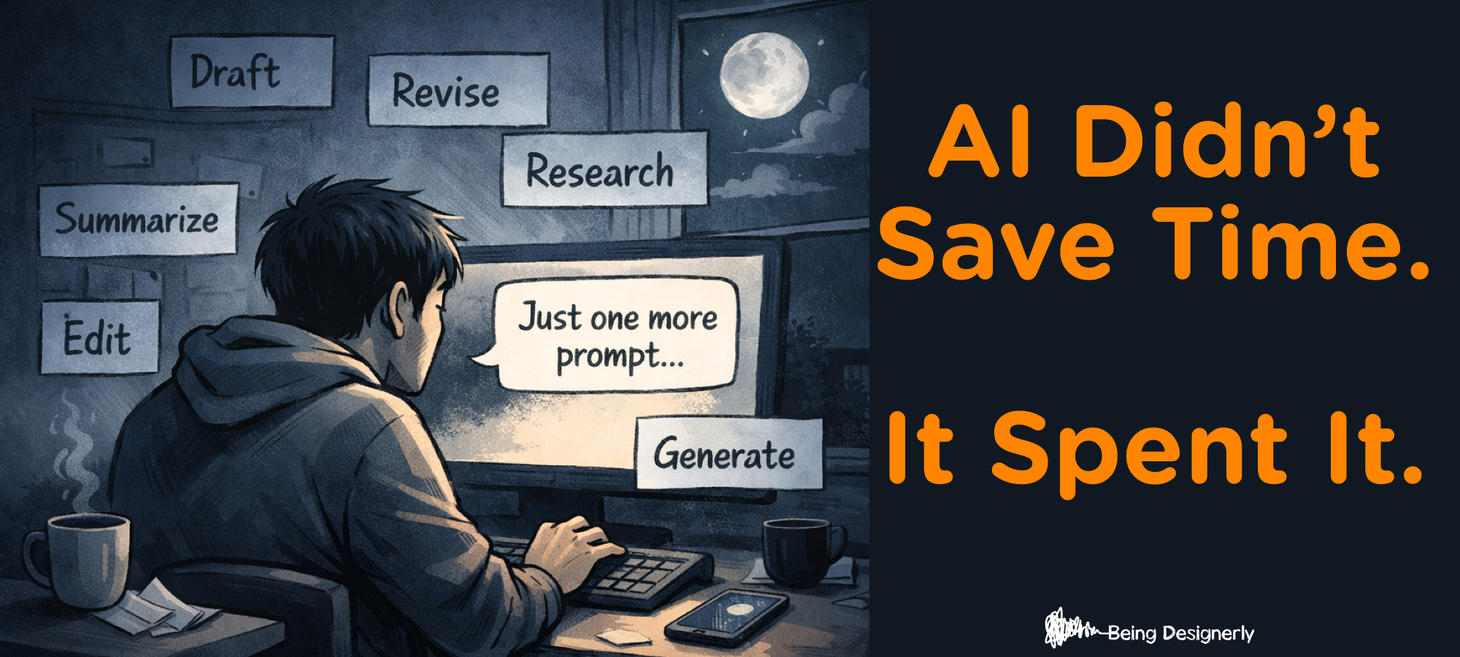
AI Didn’t Save Time. It Spent It.
My calendar didn’t get lighter after AI. It got… sneakier.
Because AI doesn’t always reduce workload. It reduces the feeling of effort.
No blank page. No “I’ll start tomorrow.” No waiting on someone else.
And suddenly you’re: • writing the thing • reviewing the thing • editing the thing • and starting two more things “because it’s easy now”
That’s the trap: AI makes “doing more” feel possible. So we do more.
The cost shows up later: Cognitive fatigue, weaker decisions, burnout… and a suspicious lack of actual rest.
This is where designerly skills matter: Observation + Transparency. Observation to notice where your day lost its edges. Transparency to say it out loud: “We gained speed. We lost recovery.”
If AI is in your workflow, ask: Where is my workday losing its natural pauses?

 PROMPT
3 prompts to fight AI-overwhelm using AI. These prompts slow the tempo, define an edge, and give you permission to stop.
The Drift Detector (interrupt autopilot): “Before we continue: summarize what I’m trying to achieve in 1 sentence. List 3 assumptions I’m making. Then ask me 2 questions that would change the approach if answered differently.”
*The “Good Enough Bar” * (prevent perfection spirals): “Define what ‘good enough’ looks like for [deliverable]. Give me a 5-point checklist. If I meet 4/5, tell me to stop and ship.”
The Shutdown Script (stop the ‘AI-ways on’ loop) “Write my end-of-day shutdown note. Include: what I finished, what I’m intentionally parking, the first next step for tomorrow, and one sentence that gives me permission to stop.”
 PEOPLE FIRST

OpenAI Researcher Quits, Warns Its Unprecedented 'Archive of Human Candor' Is Dangerous
OpenAI’s introduction of advertisements to ChatGPT and what information it will use to target those sponsored messages. It’s not advertising itself that is the issue, but rather the potential use of a vast amount of sensitive data that users have shared with ChatGPT without giving a second thought as to how it could be used to target them or who could potentially get their hands on it.
gizmodo.com
 CRITICAL THINKING

Why the AI caricature trend makes so many creatives uncomfortable
For many artists, the concern isn’t whether AI images look good. It’s about what they replace. Illustration, concept art, character design, and fields built on years of skill and personal style are now being squeezed by tools that promise instant results at minimal cost.
creativebloq.com
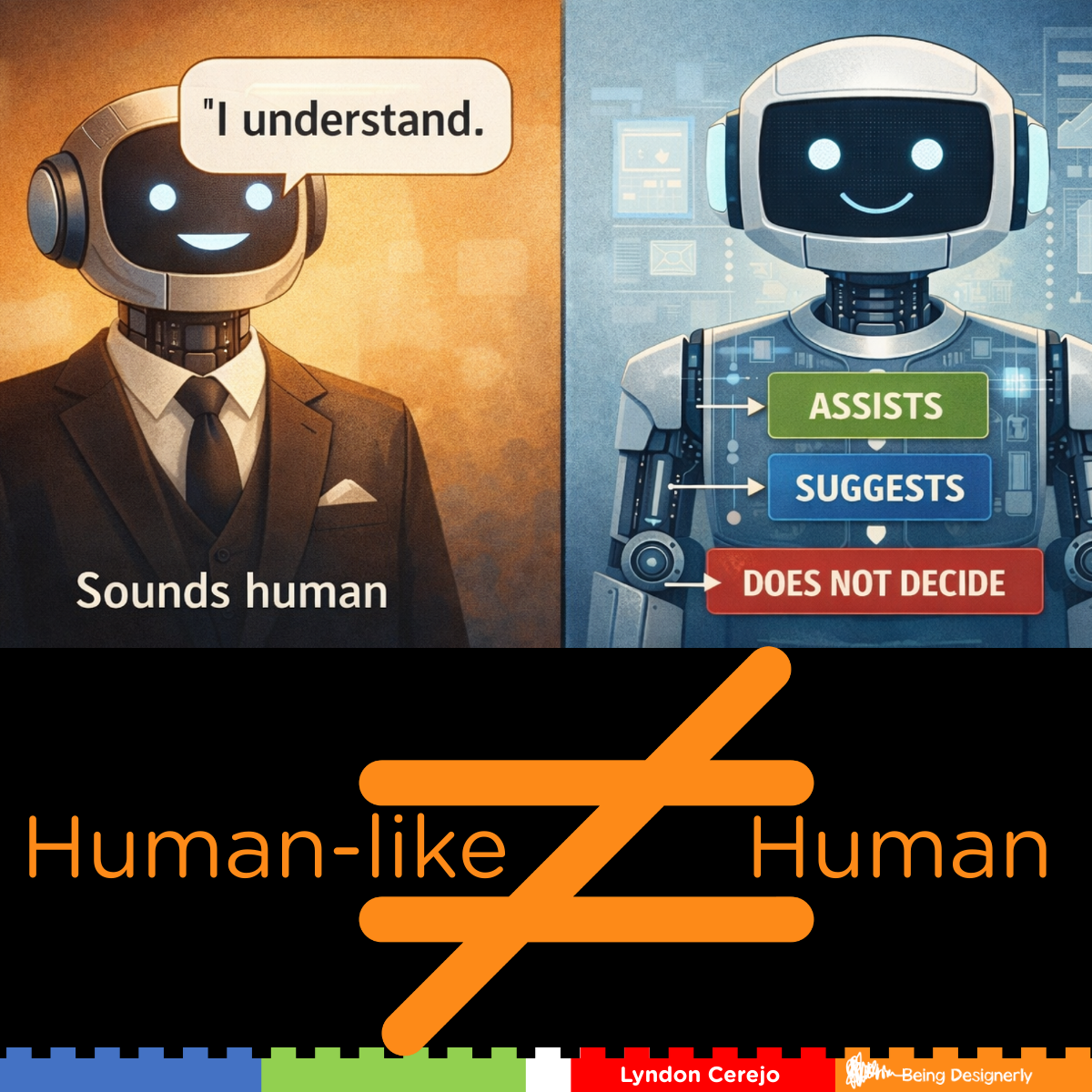
Human-like Isn't Human
AI sounds human. For the most part. But that doesn’t mean it is.
One of the most grounded AI documents I’ve read recently didn’t come from Silicon Valley. It came from the Vatican.
A few simple reminders: - AI can produce human-like output without possessing human intelligence. - AI may imitate intelligence, but it doesn’t own responsibility.
When we blur those lines, we don’t just confuse users. We quietly erase accountability.
That’s why transparency isn’t a “nice to have.” It’s how we remind people where judgment actually lives.
That's where we should use our designerly Critical Thinking and Transparency.
vatican.va
 VISUAL COMMUNICATION
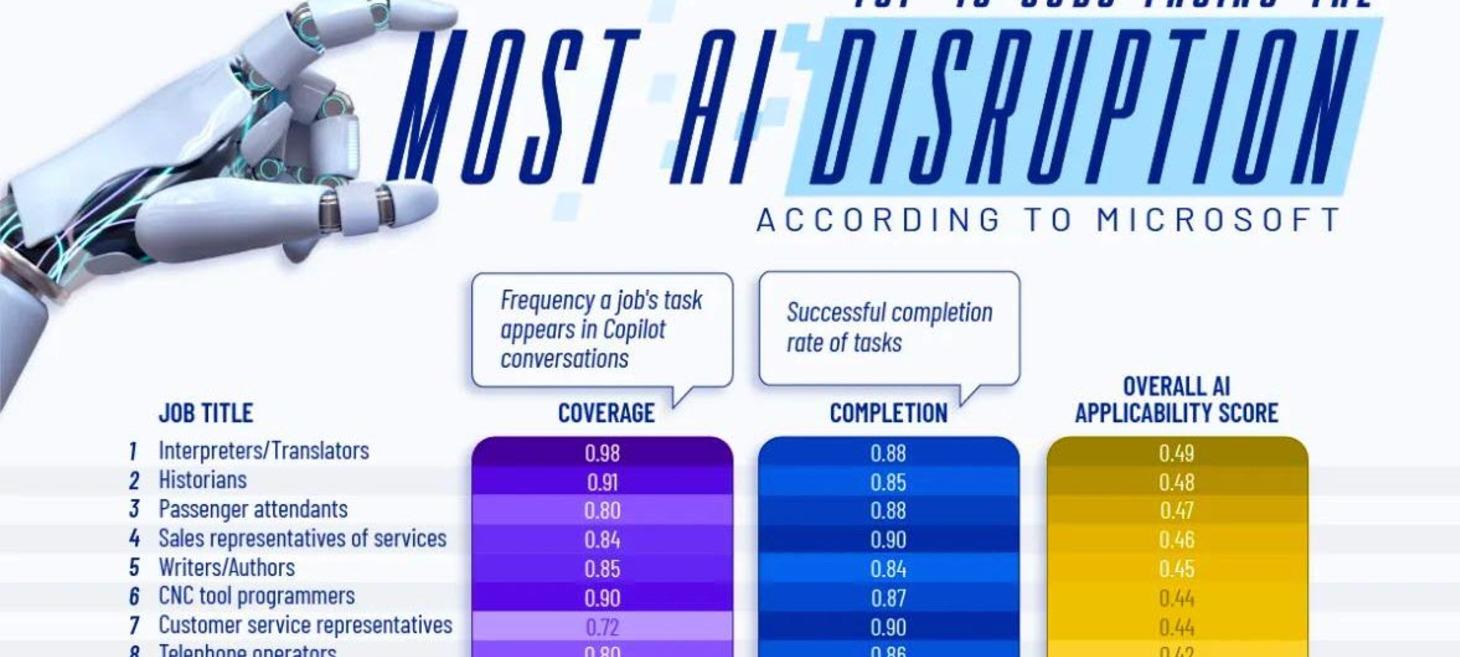
Visualization: The Jobs Most Exposed to Generative AI, According to Microsoft
This visualization ranks the 40 jobs most exposed to AI, based on Microsoft’s analysis of how frequently AI is used for job-related tasks, how successfully it completes them, and how applicable AI is to each role overall.
visualcapitalist.com
 UX
UX
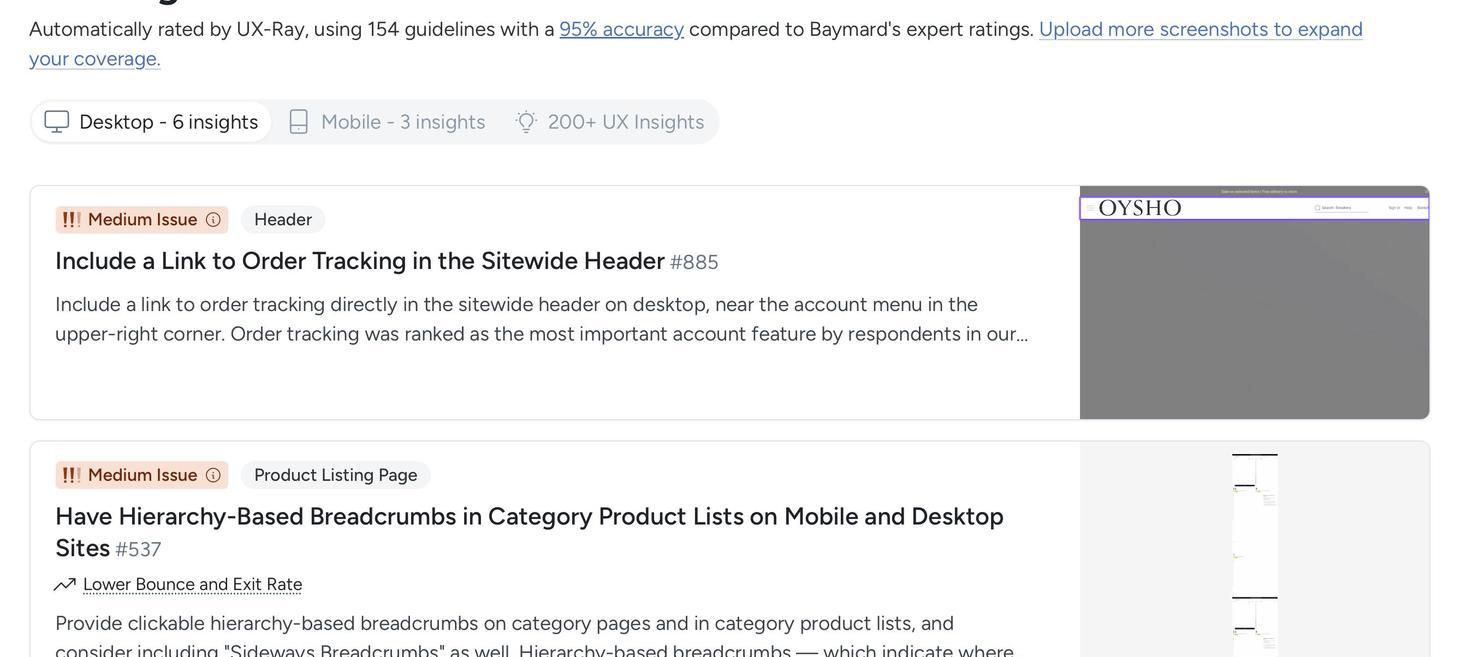
Demand Accuracy in Your AI Tools: Lessons from Baymard Institute
AI-powered UX tools promise efficiency, but frequently lack transparency about their accuracy or limitations. In this episode of the NN/g UX podcast, Baymard cofounders Christian and Jamie Holst discuss why higher standards are needed for AI in UX and other professional domains and explain Baymard's approach to building its AI-powered ecommerce evaluation tool, UX-Ray.
nngroup.com
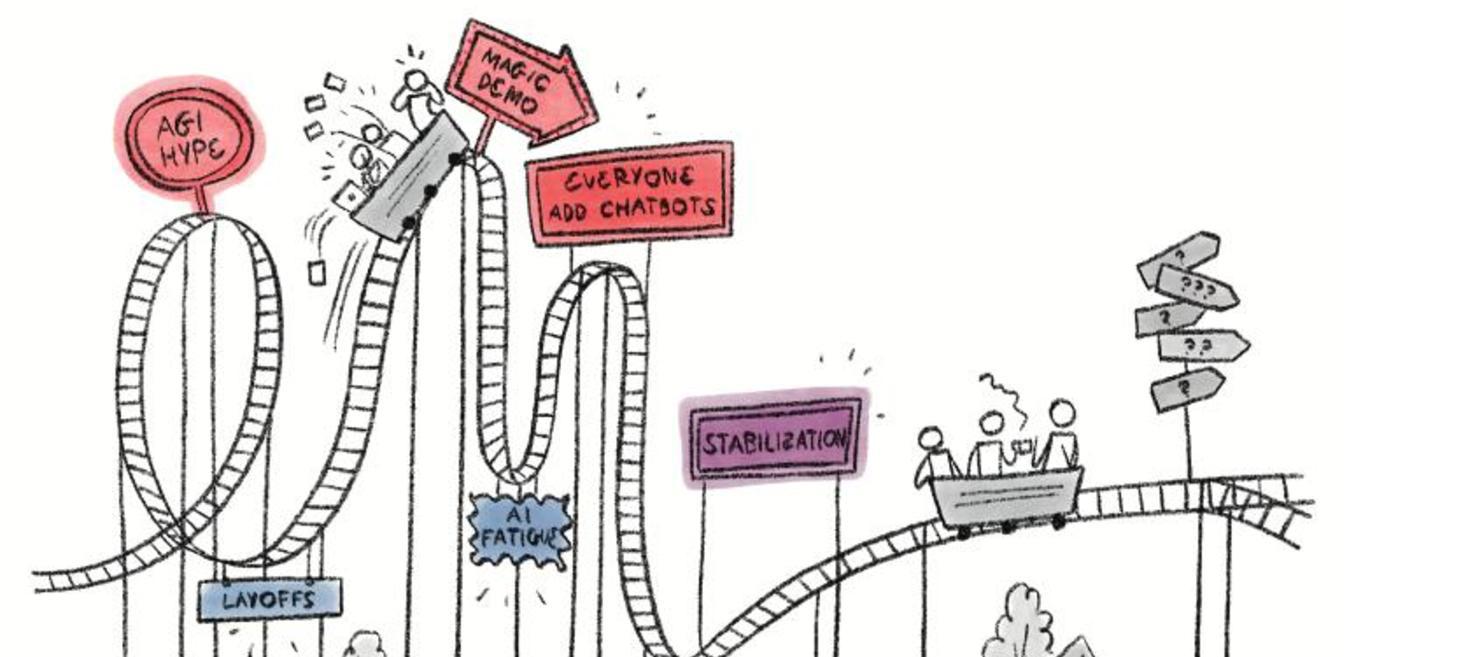
State of UX 2026: Design Deeper to Differentiate
UX faced instability from layoffs, hiring freezes, and AI hype; now, the field is stabilizing, but differentiation and business impact are vital.
nngroup.com
